Cable stopped working? Here are some ways to watch local TV channels without it
Many Triangle residents turn to local television channels to get updates on weather events, commutes or other information they can’t learn watching national news channels.
But when a hurricane or severe storm arrives, sometimes cable and internet stop working — even if power hasn’t been affected.
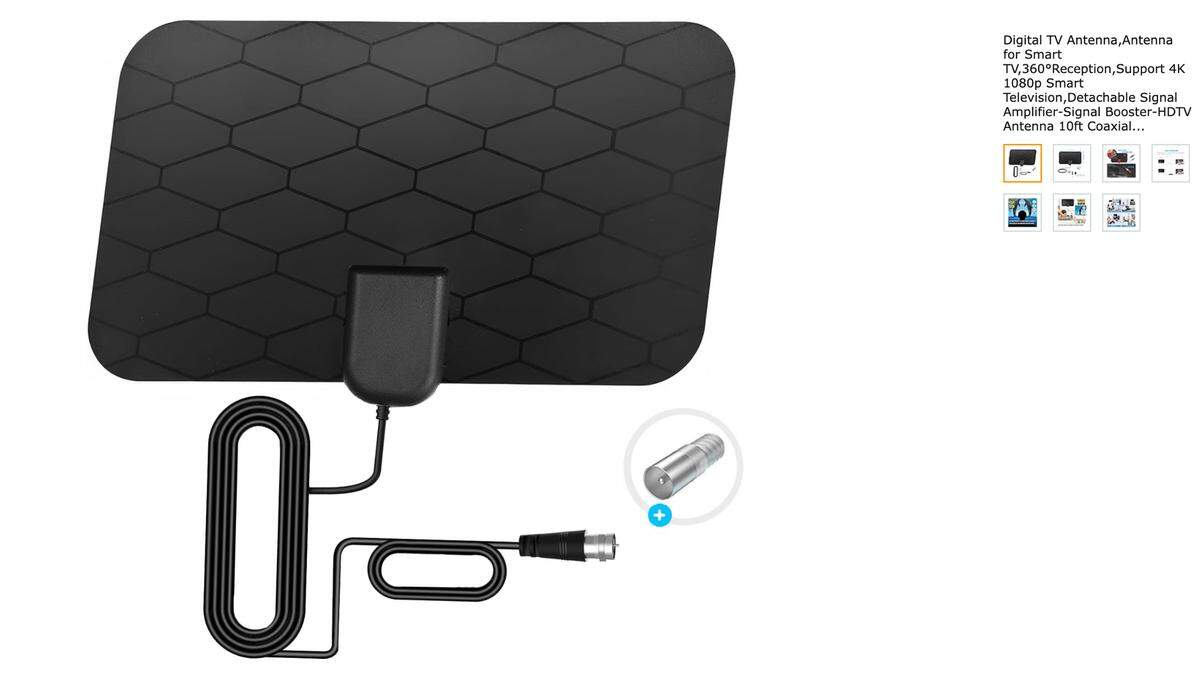
Antennas, which pick up signals and transmit them to TVs through a cable, can allow people to get local channels even if cable or internet go kaput. Jayme Hanzak, a television engineer with PBS North Carolina, explained how they work.
Where can you buy digital antennas?
Antennas are sold at The Home Depot, online, hardware stores and sometimes at department stores, Hanzak said.
Many antennas pick up signals from towers within 30-40 miles, but there are antennas with a larger range. Sites such as TVFool.com show which channels you are likely to get at home and how far away towers for each station are.
A decent antenna should cost about $75-$100, Hanzak said.
Where should antennas be placed?
Antennas can be placed indoors or outside. However, outdoor antennas will generally provide better results than indoor antennas, and the best place to put an antenna is on the roof. The higher, the better, Hanzak said.
So if you are set on putting an antenna inside, it‘s better to place it in the highest level of your home — even in the attic, and not in your basement.
Check antennaweb.org to see in which direction to position an antenna to get the best results.
Besides the antenna, what other equipment do you need?
- Cables: While most antennas come with a 10-foot-long cable, residents can purchase longer cables to connect antennas to TVs. But Hanzak recommended keeping the cable run as short as possible. A cable of about 50 feet is typical, but the cable run shouldn’t be more than 100 feet long.
- Radio frequency filters: RF filters are optional, but they can help reduce interference by blocking out 5G signals and only allowing channels broadcast from TV stations. These devices, which are only a few inches long, screw into the back of TVs and are connected to antenna cables.
- Amplifiers: Two kinds of amplifiers are available — radio frequency amplifiers and preamplifiers. Preamplifiers sit underneath antennas and are connected to a TV with a cable. Sometimes they work better than RF amplifiers because they boost signals without boosting noise, Hanzak said. RF amplifiers will sometimes do the trick, but they could also boost too much noise.
What can cause issues with antennas?
The geography of the area where a home is located plays a role in how well an antenna works. For example, if a home is located in a valley, antennas may not be able to pick up signals from towers.
Weather can also affect signal reception. For example, lightning can cause signals to break up. Wind can move antennas on the tops of towers or homes, or it can shake trees, causing them to block signals.
You’ll just have to deal with it, Hanzak said.
What about streaming?
If you still have internet, you can stream local TV channels through services such as Hulu, Sling TV or Pluto TV.
This story was originally published August 7, 2024 at 12:15 PM with the headline "Cable stopped working? Here are some ways to watch local TV channels without it."